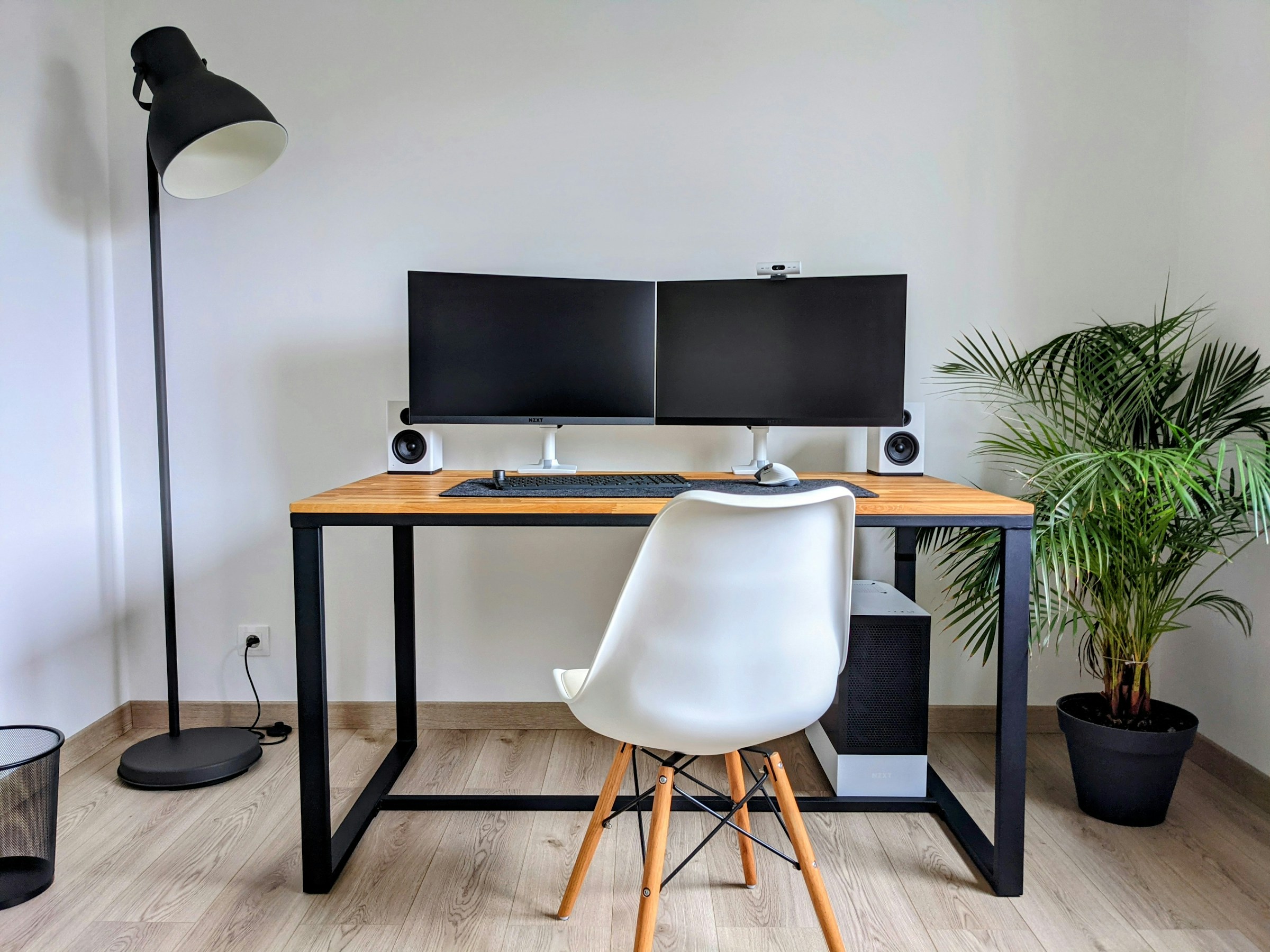
Set Up Two Monitors on a Home Office Desk

A second monitor can give you another screen for reference material, communication, or creative tools. Before you add one, plan where both displays will sit and check that your desk, computer, and cables can support the arrangement.
Decide which screen you use most
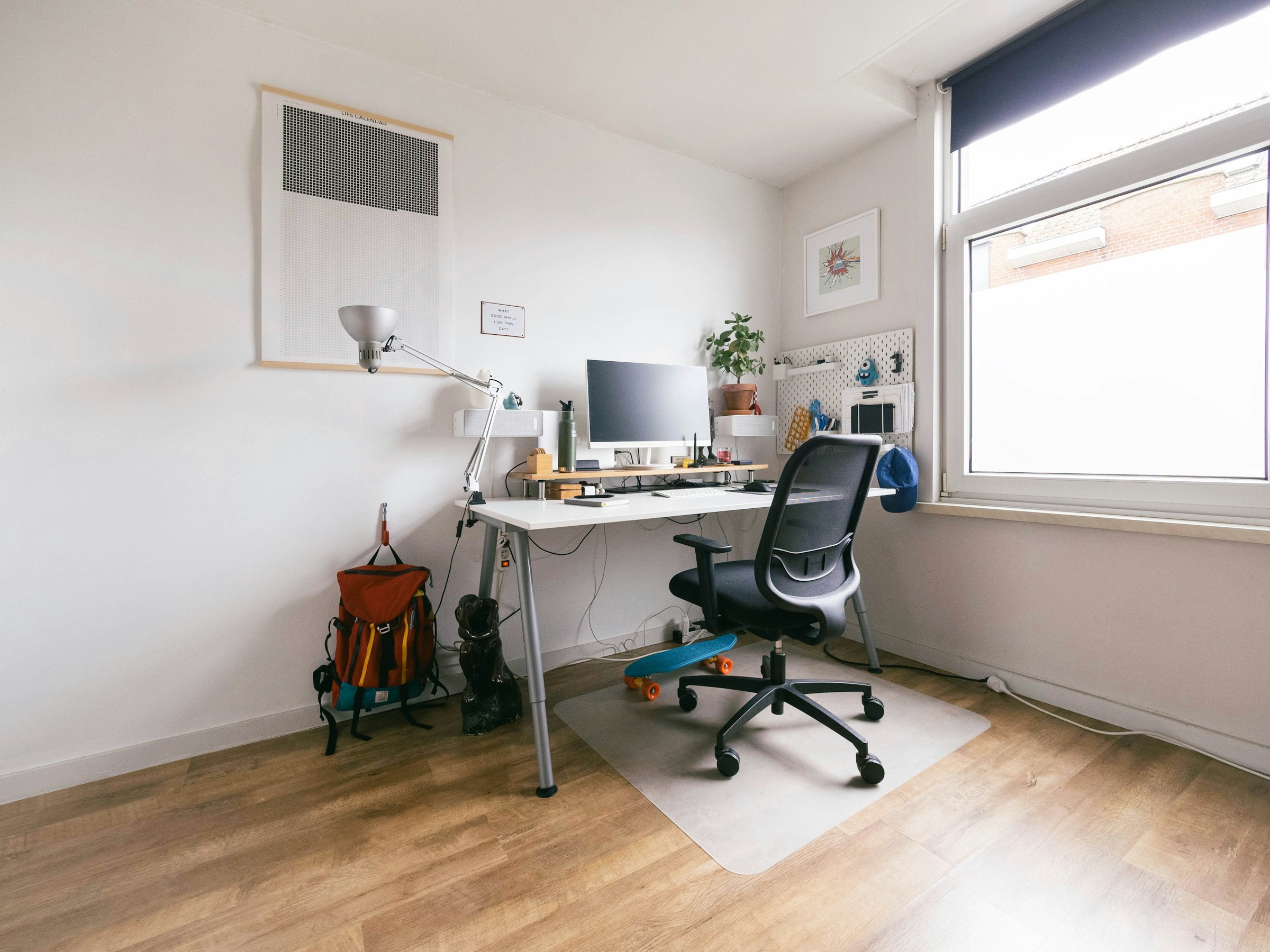
Put the display you use most directly in front of your chair. Place the second monitor beside it and angle it slightly inward so the two screens form one working area. If you split your time evenly, a side-by-side layout can work; if one display is secondary, keep it off to the side.
Measure the desk before arranging the displays
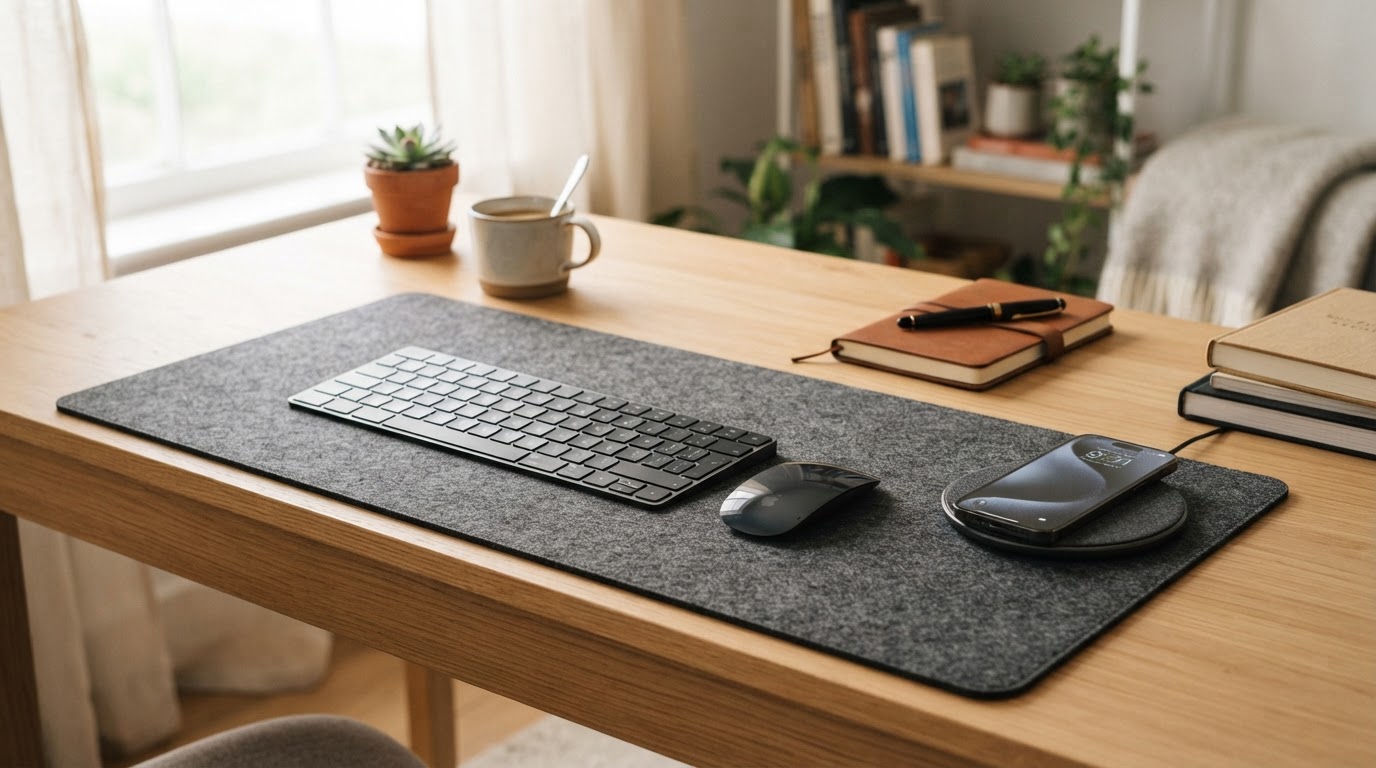
Measure the usable width and depth of the desktop, then account for both monitor stands or the footprint of a monitor arm. Leave room for the keyboard, mouse, and any notebook or lamp you use. If an arm clamps to the desk, check the clamp range and the desk edge before choosing it.
Check computer and monitor connections
Look at the available video outputs on your computer and the inputs on each monitor. Confirm that you have the required cables or adapters, and check whether your computer supports the number of displays you plan to use. Doing this before buying can prevent a setup that does not connect as expected.
Plan power and cable routes
Count the power connections needed for both displays and the computer, then choose a route that keeps cables accessible and out of the main work area. Leave enough slack to adjust a screen without pulling its connectors. A tidy route also makes it easier to identify which cable belongs to which display.
Test the arrangement in your room
Check how daylight and room lighting fall across the screens. Shift the displays or adjust their angle if a window or lamp creates distracting reflections. Once they are connected, move a few windows between screens and check that the cursor travels in the same direction as the physical layout.
Make the whole workspace fit
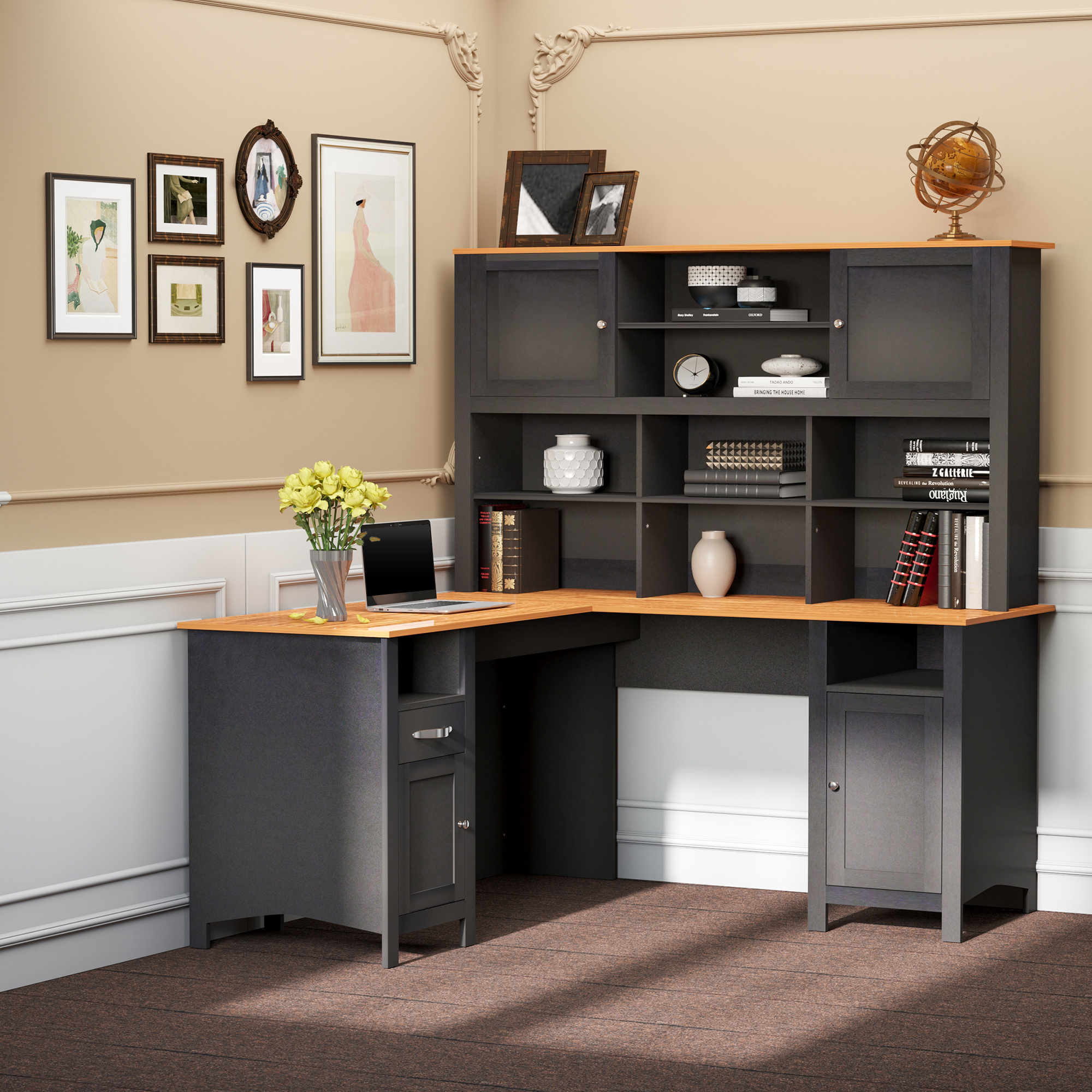
A dual-monitor setup works best when the screens, input devices, and remaining desk items each have a clear place. If you are comparing desks, review the usable desktop dimensions and features on the product page; WorkVibeCo’s Office Desk listing includes its current size details.