
A More Comfortable Home Office: 7 Details to Get Right

- By - admin
- Posted on
- 14 mins read
- 17 Views
A home office can look polished and still feel awkward after a few hours. Comfort usually comes from how the desk, screen, lighting, and everyday tools work together. Use these seven adjustments to make your workspace easier to settle into and simpler to maintain.
1. Start with the space you have
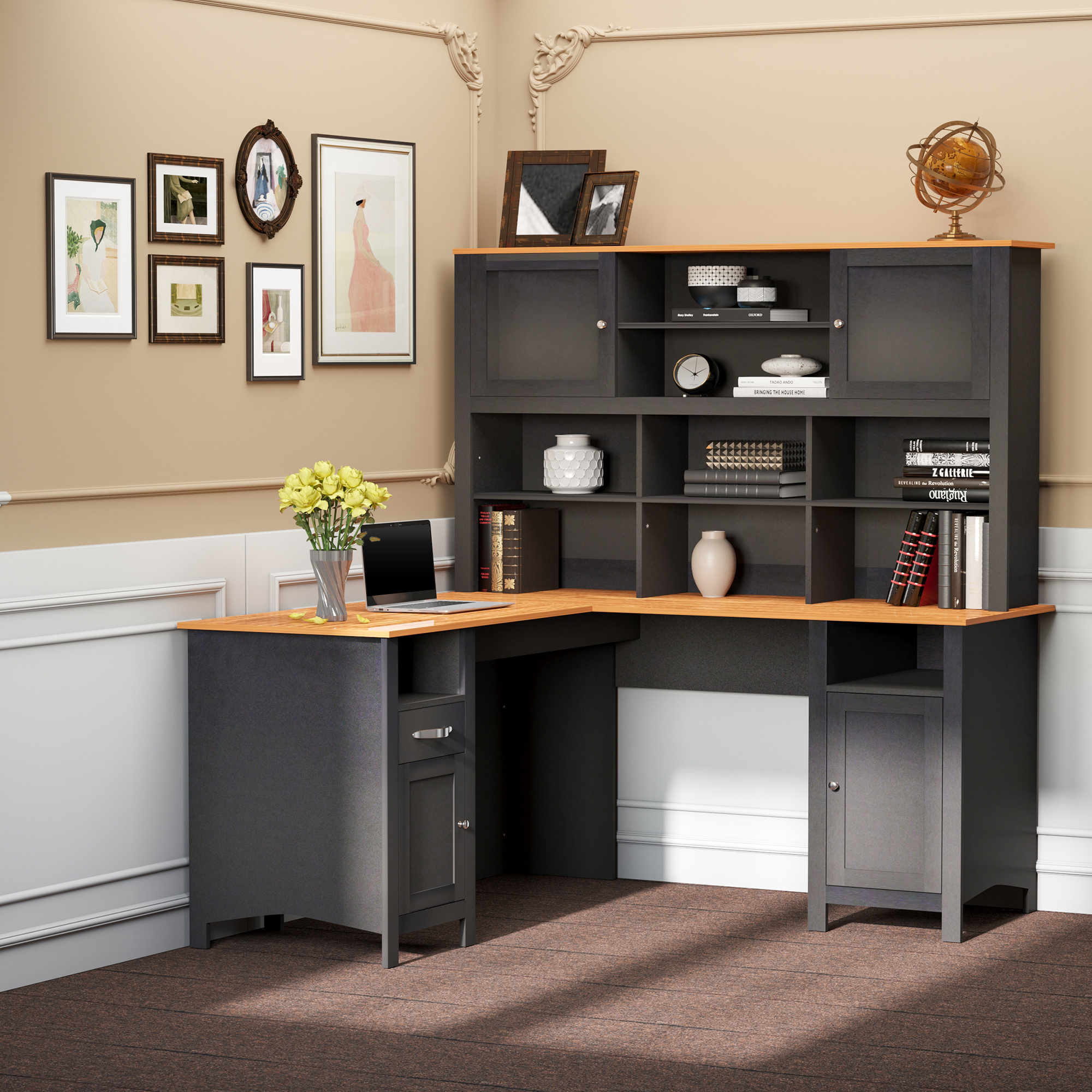
Measure the room before choosing furniture. Leave enough space to pull out your chair, open drawers, and move around the desk. In a shared room, map out where work ends and the rest of the room begins. A compact desk may suit a corner, while a larger surface can help when you need room for a monitor, laptop, and paper notes.
2. Set the desk and chair for your posture
When seated, aim for relaxed shoulders and elbows close to your sides. Adjust the chair and desk so your forearms can rest comfortably while you type. If the desk height cannot be changed, a supportive chair or a keyboard that sits lower may help you find a better fit.
3. Put the screen at a comfortable viewing height
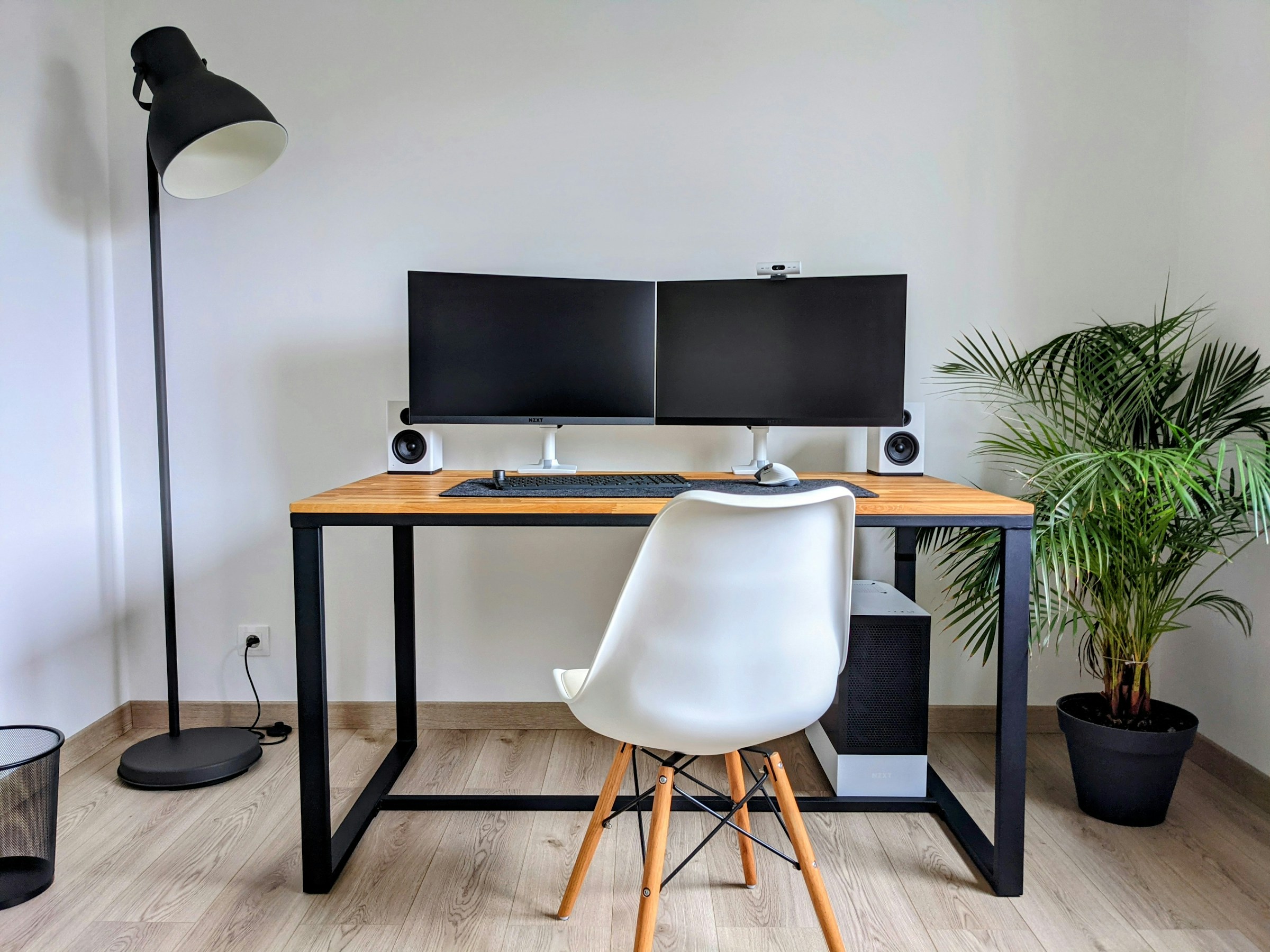
Place your main screen directly in front of you to reduce frequent twisting. Raise a monitor or laptop so you can look toward the screen without constantly bending your neck; a separate keyboard and mouse can make a raised laptop easier to use. If you use two displays, keep the one you use most often centered.
4. Give your hands room to move
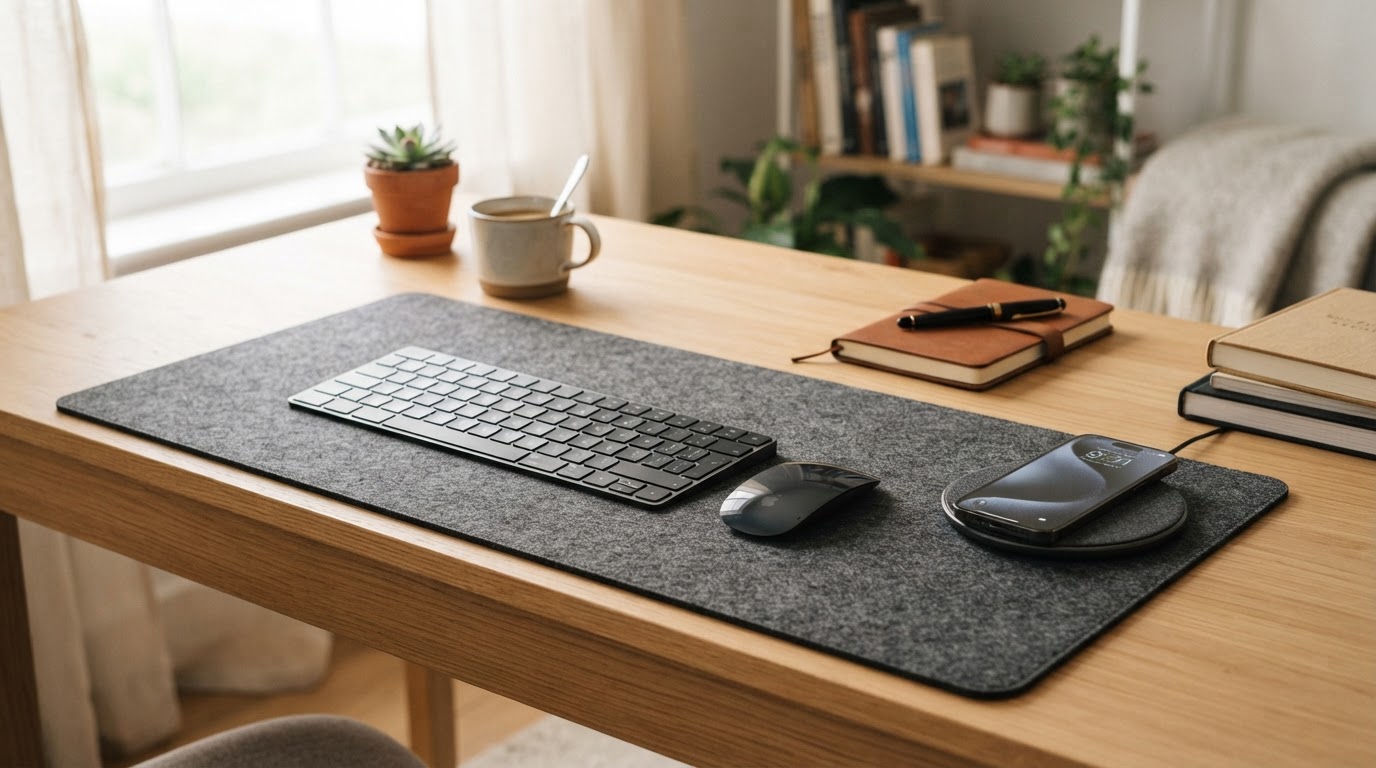
Keep the keyboard and mouse close enough that you do not have to reach forward. Clear a small area for them and move items you use less often to the side. A tidy surface is practical: it leaves the tools you need within easy reach and makes it quicker to reset the desk at the end of the day.
5. Use lighting that suits the task
Try to avoid bright reflections on your screen. Position the desk so windows are to the side when possible, then add a task lamp for reading or detail work. A warm, consistent light can also make a workspace feel more inviting when the room is used after work hours.
6. Make cables and charging easy to manage
Group cables by device and route them along the back or underside of the desk. Keep a charger where you naturally set down your phone, and leave a little slack so devices can move without tugging on plugs. Simple cable clips or a small tray can help keep the floor clear.
7. Add small comforts, then review the setup
Keep water, headphones, and a notebook nearby if you use them often. Add a plant or a favorite object if it makes the space feel like yours, while leaving your main work area open. After a week, notice what still feels inconvenient and change one thing at a time.
Build a workspace around your routine
A comfortable home office does not need to be complicated. Begin with the desk and chair, bring your screen and input devices into a natural position, and make lighting and storage work for your daily habits. WorkVibeCo offers desks, lamps, and computer accessories to help you shape a setup that fits your space and style.