
Will a Wireless Charging Mouse Pad Fit Your Desk? A Measurement Checklist

A wide desk mat can bring your keyboard, mouse, and charging area together, but it also takes up a fixed section of the desktop. A few quick measurements can help you decide whether a wireless charging mouse pad fits your setup before you rearrange your workspace.
Measure the usable desk area
Start with the desktop space you can actually use. Move aside notebooks, lamps, monitor stands, and other items that need to stay in place. Measure the clear width and depth, then leave room for anything you regularly move around, such as a laptop or paperwork.
The WorkVibeCo 3-in-1 wireless charging mouse pad is listed at 800 × 300 × 4 mm. That is about 31.5 × 11.8 inches, so check both the front-to-back depth and side-to-side width of your available space.
Map where your hands and devices go
Before placing a large mat, picture your normal work positions. Keep the keyboard where your hands naturally reach it, and make sure the mouse has room to move without crossing onto objects or the edge of the desk. Decide where a phone or other charging device would sit, and whether that spot stays clear during work.
Check the charging details
Wireless charging depends on the device and how it is positioned. Review the product instructions and your device’s requirements before relying on a charging surface. Leave the included cable an accessible route to a power source, and check that the cable will not snag on a drawer, chair, or desk edge.
Consider the surface and routine
The product listing describes a single-sided, anti-slip desk mat with a leather material. Think about whether a continuous mat suits the way you clean your desk and move your keyboard. If you often rearrange your work area, confirm that the larger surface will not make those changes awkward.
Use a simple fit test
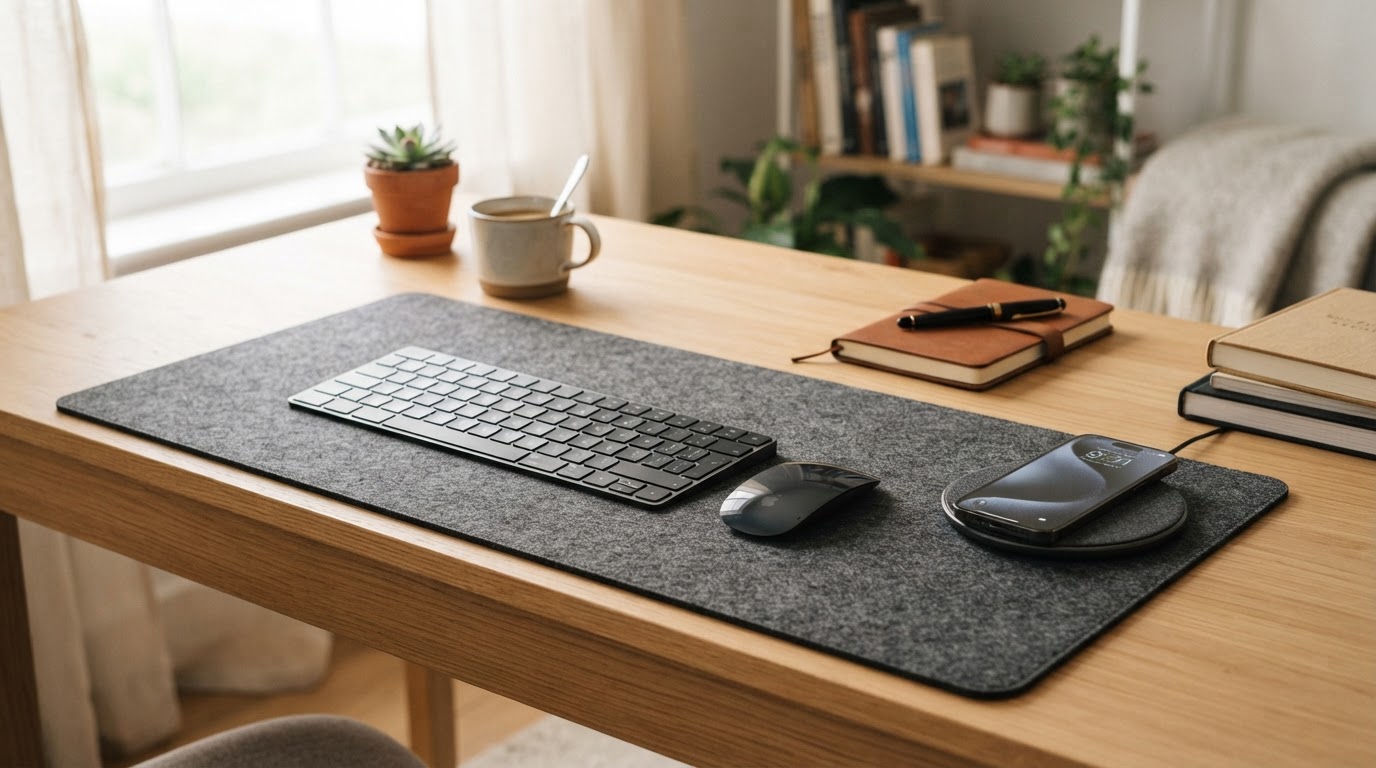
Mark an 800 × 300 mm rectangle on your desktop with removable paper or tape. Place your keyboard and mouse in their usual positions, then test where your phone and cable would go. If the layout leaves enough room for your regular tasks and keeps the charging connection practical, the mat’s footprint may work for your desk.
A tape-measure check and a quick mock-up can make the choice easier. Compare your measurements with the product listing and review its instructions for device compatibility before setting up.